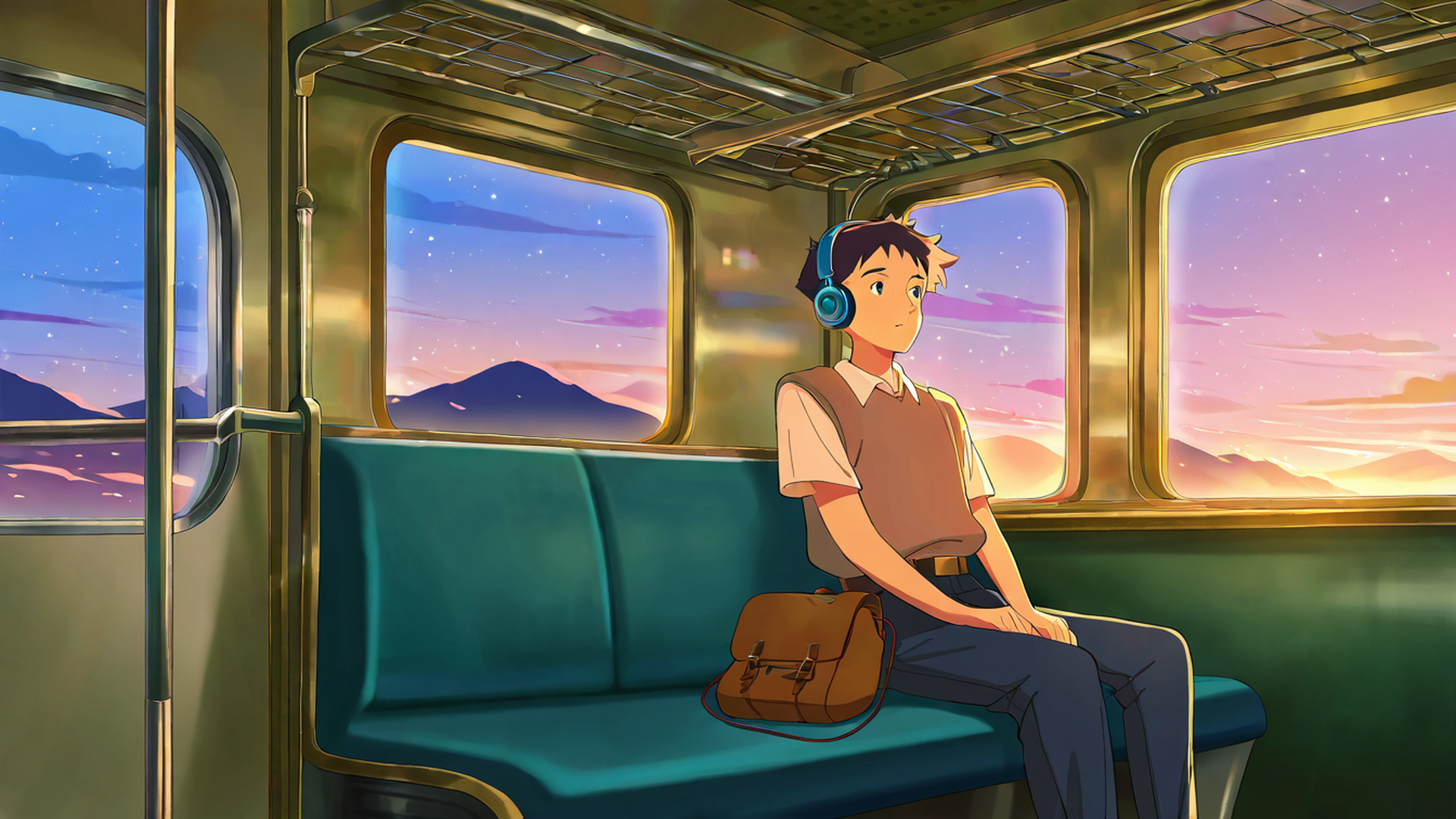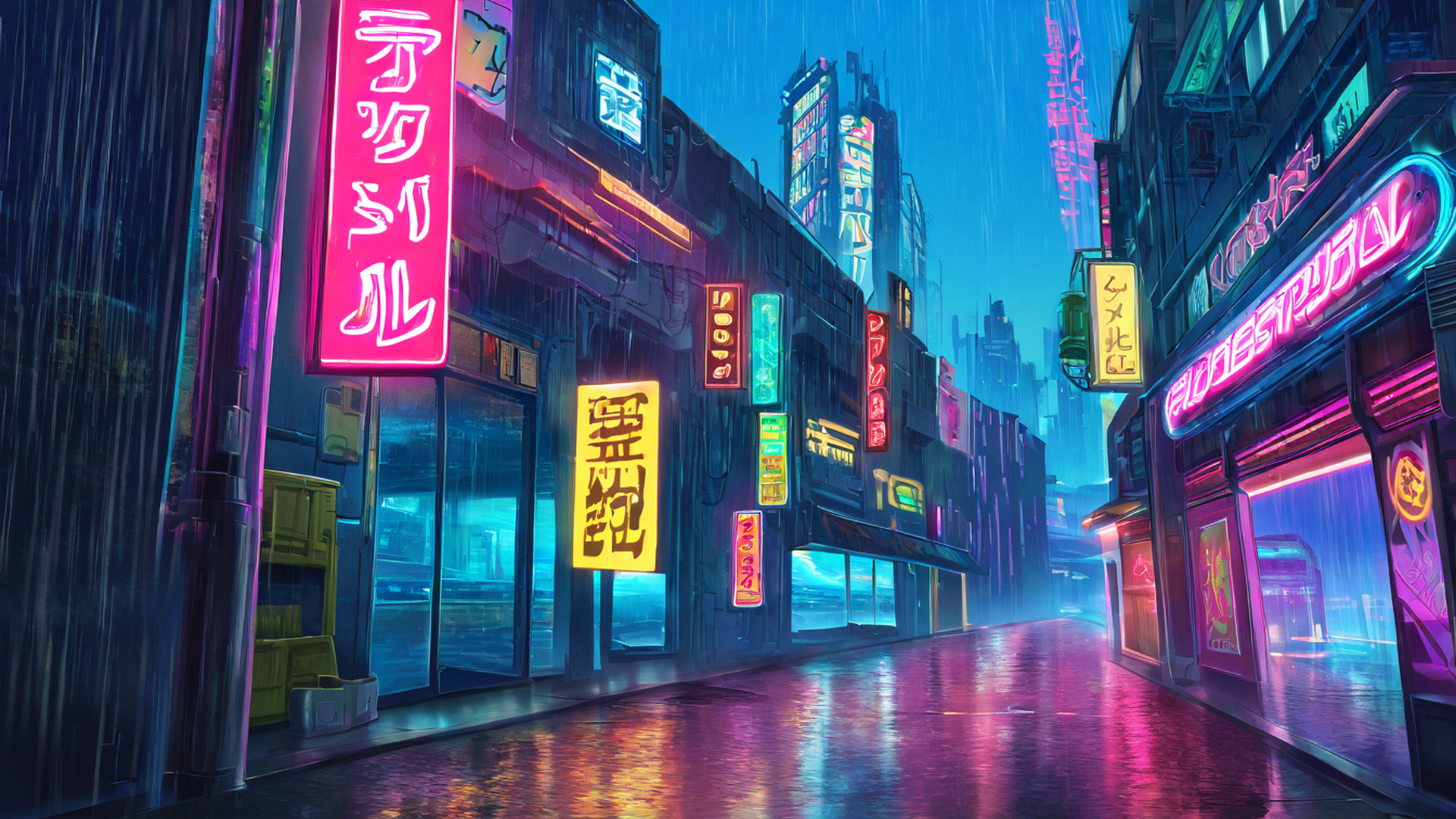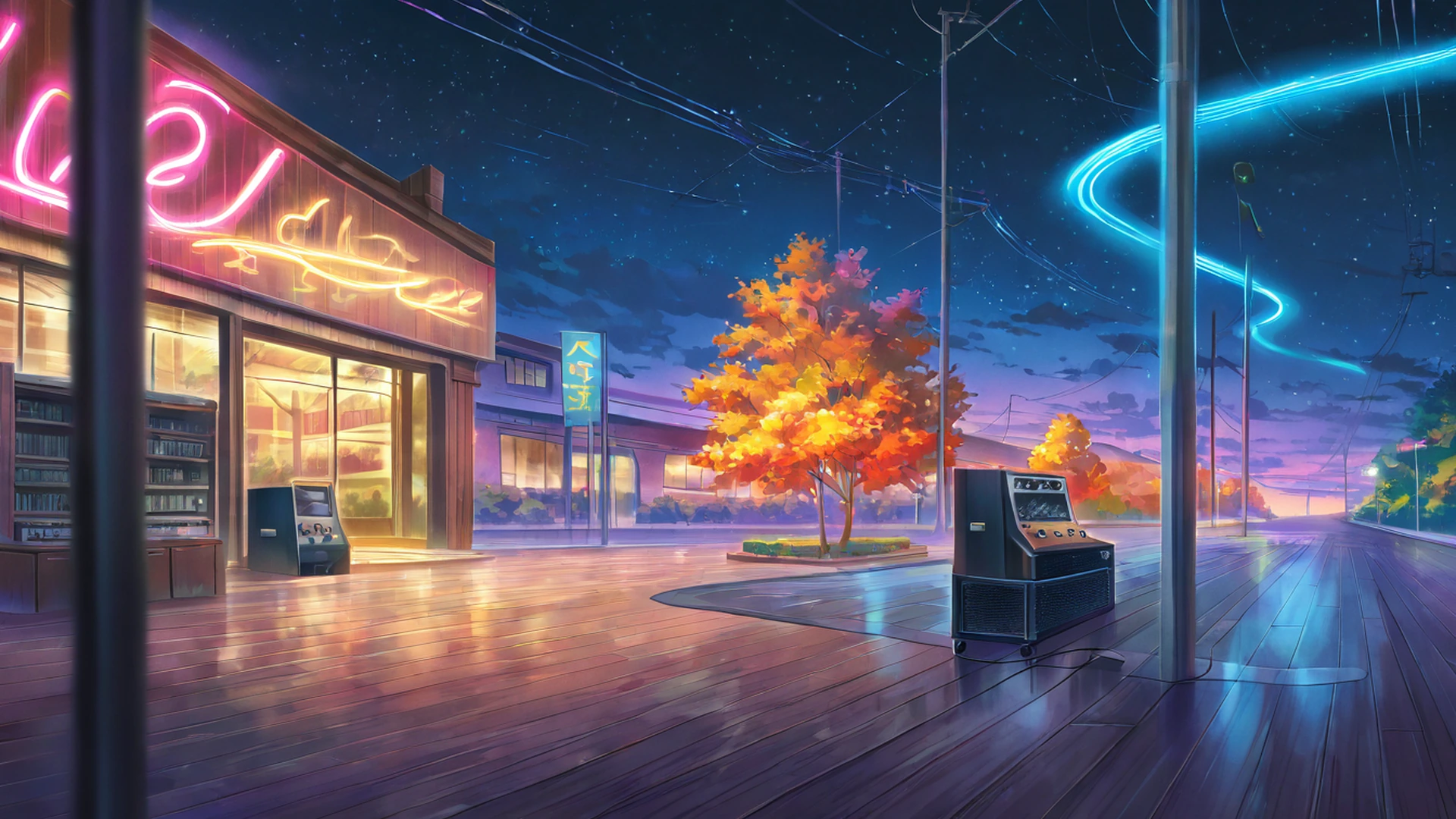
The lofi stream on our homepage does not come from a studio or a cloud service. It runs on one home server in Argentina, using a single command-line program, a few scripts and a lot of logging. This page explains how it works, with the real settings, and describes the two failures that taught us the most. If you are thinking about running your own 24/7 stream, most of this will apply to you.
Updated on 27 October 2026: the picture is now a sequence of slow-motion animated clips instead of a slideshow of still images. Both setups are described below.
The short version
- Video: short animated scenes made from our own AI wallpapers, played in slow motion one after another with a soft dissolve between them, encoded on an NVIDIA graphics card.
- Audio: a playlist that mixes tracks licensed from Epidemic Sound with original tracks we generate ourselves.
- Software: ffmpeg reads both playlists and sends the result to YouTube over RTMP.
- Supervision: a systemd service keeps ffmpeg running, and a separate monitor checks every five minutes that YouTube is actually showing the stream.
No OBS, no streaming PC, no virtual camera. The whole thing is a loop of files.
The picture: slow-motion clips with a dissolve
Until October 2026 the stream showed still images. ffmpeg’s concat demuxer read a playlist file that listed images, each with a duration 8 line, and looped it forever with -stream_loop -1. A script built the order before each run, going round-robin through the themes so that two images in a row never came from the same theme.
Now the picture moves. It is built from the animated versions of our wallpapers: each one is a still image turned into five seconds of gentle motion (rain, drifting clouds, steam, flickering neon) by Wan 2.2, an open image-to-video model. Two more steps make those clips calm enough to watch for hours:
- Slow motion. The clips have 16 frames per second, and their motion is a little quick for a study stream. RIFE, an open frame-interpolation model, draws three new frames between every pair of original frames. Played at 30 frames per second, each clip lasts about 10.7 seconds instead of 5 and moves at roughly half speed, without the stutter you get from simply slowing a video down.
- Reels. A script joins the clips into two long videos of about an hour each. Each clip dissolves into the next over a second and a half, and two clips in a row never come from the same theme. Each reel holds every clip in a different order, so a given scene comes back about once an hour, and the exact sequence only repeats after about two hours.
The live stream plays the two reels in a loop and starts at a random point whenever it restarts. Because the dissolves are prepared in advance, the live encoder only has to read one ordinary video file. Slowing down the picture never touches the sound, because the music is a separate input.
Every frame passes through a short filter chain:
- Scale to 1920×1080 with the Lanczos filter, keeping the aspect ratio, and pad if needed.
- Convert to the
yuv420ppixel format at 30 frames per second. - Draw two text overlays with ffmpeg’s
drawtext: the name of the current track at the bottom left, and five world clocks at the top (Tokyo, Buenos Aires, Mexico City, New York and London). Both read from small text files that ffmpeg reloads, so a script can update them without restarting anything.
Reading one prepared video and encoding it again with the overlays is light work, which matters on a machine that also does other jobs.
The music: licensed, not “free from somewhere”
A 24/7 stream plays thousands of hours of music a year, so it is fully exposed to YouTube’s copyright systems. Ownership claims against a live stream can lead to warnings, removals or worse, so the music needs a license you can point to.
The stream began with Creative Commons music (CC0 and CC-BY tracks) from the Internet Archive and the Free Music Archive. Scripts filtered the downloads by license first and then by mood and length, because a lot of free “chill” music turned out not to be chill at all. Later in 2026 the stream switched to a commercial Epidemic Sound subscription linked to the channel. That pool has 395 tracks. Since October 2026 it also includes 100 original tracks we generate on the same server with ACE-Step 1.5, an open music model released under the MIT license: slow (60 to 76 BPM), calm instrumentals in different moods, about one in five tracks on the stream. Their file names end in “Lofi Study 24-7”, so the track name on screen tells you which ones are ours. An audit script flags tracks that are shorter than two minutes, longer than six, or clearly off-style (one classical piano piece slipped in, for example), so they can be removed.
An important detail: the Epidemic Sound license covers playback on our channel. It does not let viewers reuse those tracks in their own videos.
On the ffmpeg side, the music is a second concat playlist. The -re flag on the audio input makes ffmpeg read in real time, and the whole output follows that pace. Back when the picture was a slideshow, putting -re on the image input instead made it stall, which took a while to figure out.
Encoding settings
| Setting | Value | Why |
|---|---|---|
| Output | 1920×1080, 30 fps | The clips are prepared at 1080p and 30 fps; full HD is plenty for a calm picture |
| Encoder | h264_nvenc, preset p4, tune ll |
GPU encoding on an RTX 3070 keeps the CPU free |
| Bitrate | 5 Mbps constant (CBR), max 5 Mbps, buffer 10 Mbps | YouTube recommends CBR; 5 Mbps is within its range for 1080p at 30 fps |
| Keyframes | every 60 frames (2 s), no scene-cut keyframes | YouTube recommends a 2-second keyframe interval and no more than 4 |
| Profile / level | High, 4.1 | Standard for 1080p30 |
| Audio | AAC, 160 kbps, 44.1 kHz, stereo | Clean enough for lofi without wasting bandwidth |
The buffer size is twice the bitrate on purpose. Larger buffers let ffmpeg send bursts that YouTube’s ingest server would sometimes reject, and the connection dropped with a “broken pipe” error.
Keeping it alive
Planned restarts. New clips and tracks only appear in the stream when the playlists are rebuilt. The streamer does that on a schedule, at most every four hours: it stops ffmpeg, rebuilds both playlists and starts again. The gap lasts a few seconds, and so far YouTube has not ended the broadcast because of it. Planned restarts are not counted as crashes, so they never trigger the waiting time used after real failures.
The monitor. A systemd timer runs a health check every five minutes. It asks two questions:
- Is ffmpeg running? If not, restart the service.
- Does YouTube say the broadcast is live and receiving data? If YouTube has ended the broadcast, which happens now and then, the monitor creates a new one through the YouTube Data API with auto-start enabled, attaches it to the same stream key and restarts ffmpeg.
Sharing the GPU. The server has a second, faster graphics card that is sometimes handed over to a Windows virtual machine. To keep that from disturbing the stream, ffmpeg is pinned to the RTX 3070 by its hardware ID. When the virtual machine starts, a hook script stops the stream and starts it again 60 seconds later, once the card has changed hands.
What broke, and what it taught us
1. Mixed image sizes and a runaway encoder (July 2026)
When the wallpaper library was upscaled to 4K, the playlist ended up with a mix of 1080p and 3840×2160 images. The filter chain at the time did not force everything to the output size first, so ffmpeg tried to handle full 4K frames. Memory use ballooned to around 30 GB, and the process crashed every 15 to 70 minutes. According to the notes from that period, it restarted more than 3,000 times before the cause was found.
The fix was small: scale and pad every frame to 1920×1080 at the very start of the filter chain, before anything else touches it.
Lesson: normalize your inputs at the start, not the end. A stream that runs forever will eventually be fed something you did not plan for.
2. Two problems at once: four days off the air (October 2026)
The first problem started quietly. By 11 October at the latest, Google had stopped accepting the saved token the scripts use to talk to YouTube, and every API request failed with invalid_grant. Pushing video to YouTube does not need that token, so the stream kept running. Every five minutes the monitor logged the failed check and then, right after it, “ALL OK”, because ffmpeg was up and connected. Nobody noticed for at least a week.
The second problem took the stream down. Late on 16 October (UTC), the NVIDIA encoder stopped starting: every attempt ended with OpenEncodeSessionEx failed: unsupported device after about ten seconds. The cause was in the service configuration: a sandboxing rule meant to keep the stream away from the server’s other graphics card. With that rule in place, the encoder could not open a session at all.
Restarts could not fix either problem. The streamer retried with growing delays, and the monitor restarted the service every five minutes: 287 times a day in the logs that remain, and around 820 times between 18 and 20 October alone. Because of the dead token, the monitor could not check YouTube or create a new broadcast either. The stream came back on 20 October, after the YouTube access was authorized again by hand and the sandboxing rule was removed. Today the stream is pinned to its card through its hardware ID, with no rule hiding the other one.
Google’s documentation lists several reasons a refresh token can stop working. One catches many small projects: if the app’s OAuth consent screen is in the “Testing” publishing status, refresh tokens for most scopes expire after seven days.
Lessons:
- “All OK” has to mean that YouTube itself reports the stream as live. A check that cannot reach YouTube is a failure, not a pass.
- An authorization error should notify a person right away instead of being logged and ignored.
- After a few identical failures in a row, stop restarting and call a human. Restarts help with crashes, not with configuration or permission problems.
- Test every change to the service’s sandboxing or device access with a real encode before leaving it in place.
If you want to run your own
- License the music properly and keep the paperwork. It is the one thing that can end a stream for good.
- Use constant bitrate and 2-second keyframes, as YouTube recommends.
- Normalize every input to the output resolution and pixel format first.
- Expect YouTube to end broadcasts from time to time, and automate creating a new one.
- Monitor from YouTube’s side, not just “is the process running”.
- Watch your OAuth setup. Check the consent screen’s publishing status, and alert a person on
invalid_grant. - Stop restart loops. After a few identical failures, alert someone instead of retrying forever.
- Log everything. Every lesson on this page came from reading logs.
If you just want the result, it is on the homepage, with a Pomodoro timer and ambient sounds next to it. The wallpapers behind the clips can be downloaded for free from the gallery, the animated versions from the animated collection, and the way they are made is explained in how our AI wallpapers are made.
Sources
- YouTube Help: Choose live encoder settings, bitrates, and resolutions (CBR, 2-second keyframes, bitrate ranges).
- Google Identity: Using OAuth 2.0 to access Google APIs, “Refresh token expiration” (the seven-day limit for apps in “Testing”).
- Wan 2.2 on GitHub (the image-to-video model).
- Practical-RIFE on GitHub (the frame-interpolation models; the stream uses version 4.9).
- FFmpeg documentation: concat demuxer and drawtext filter.