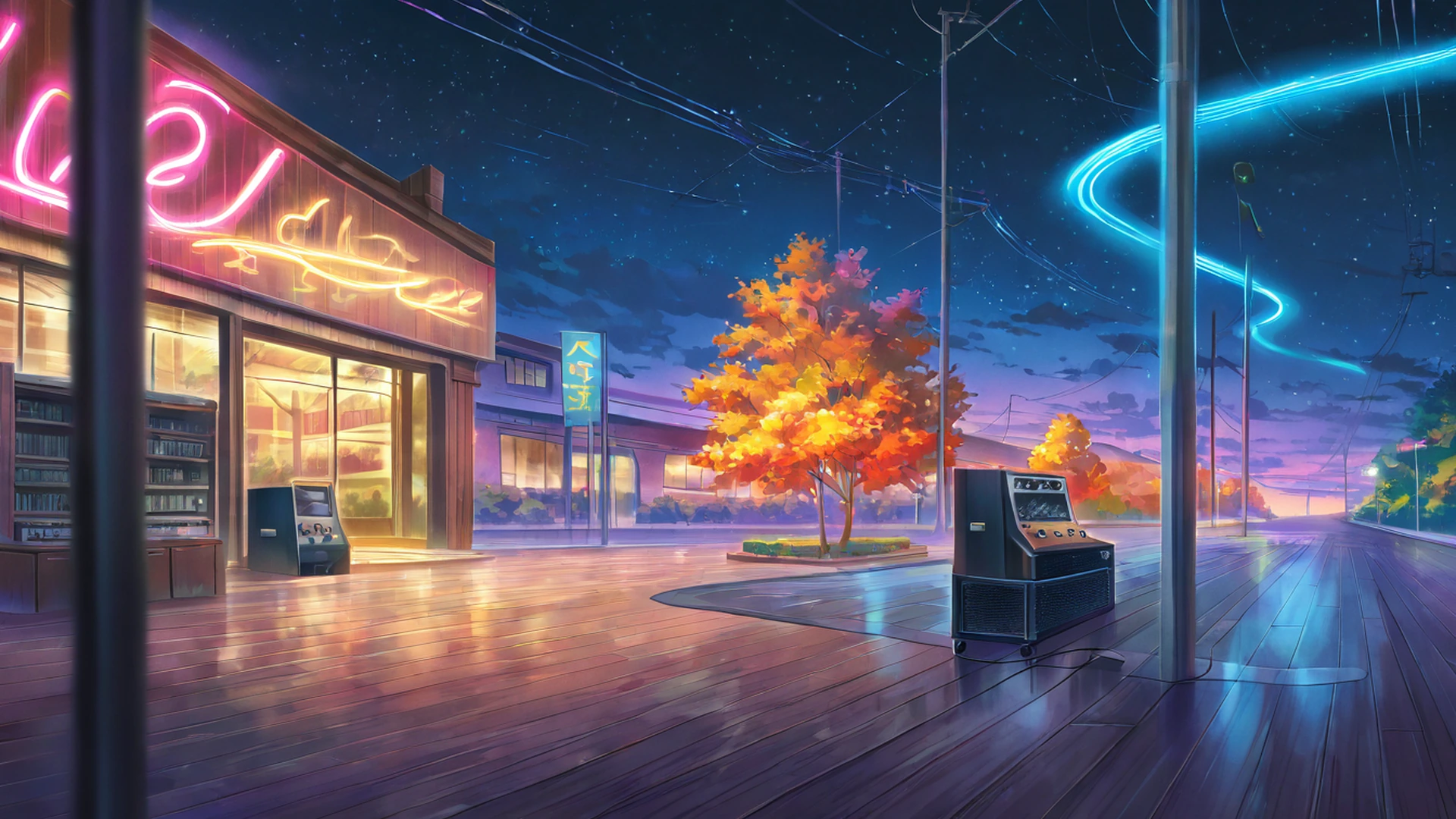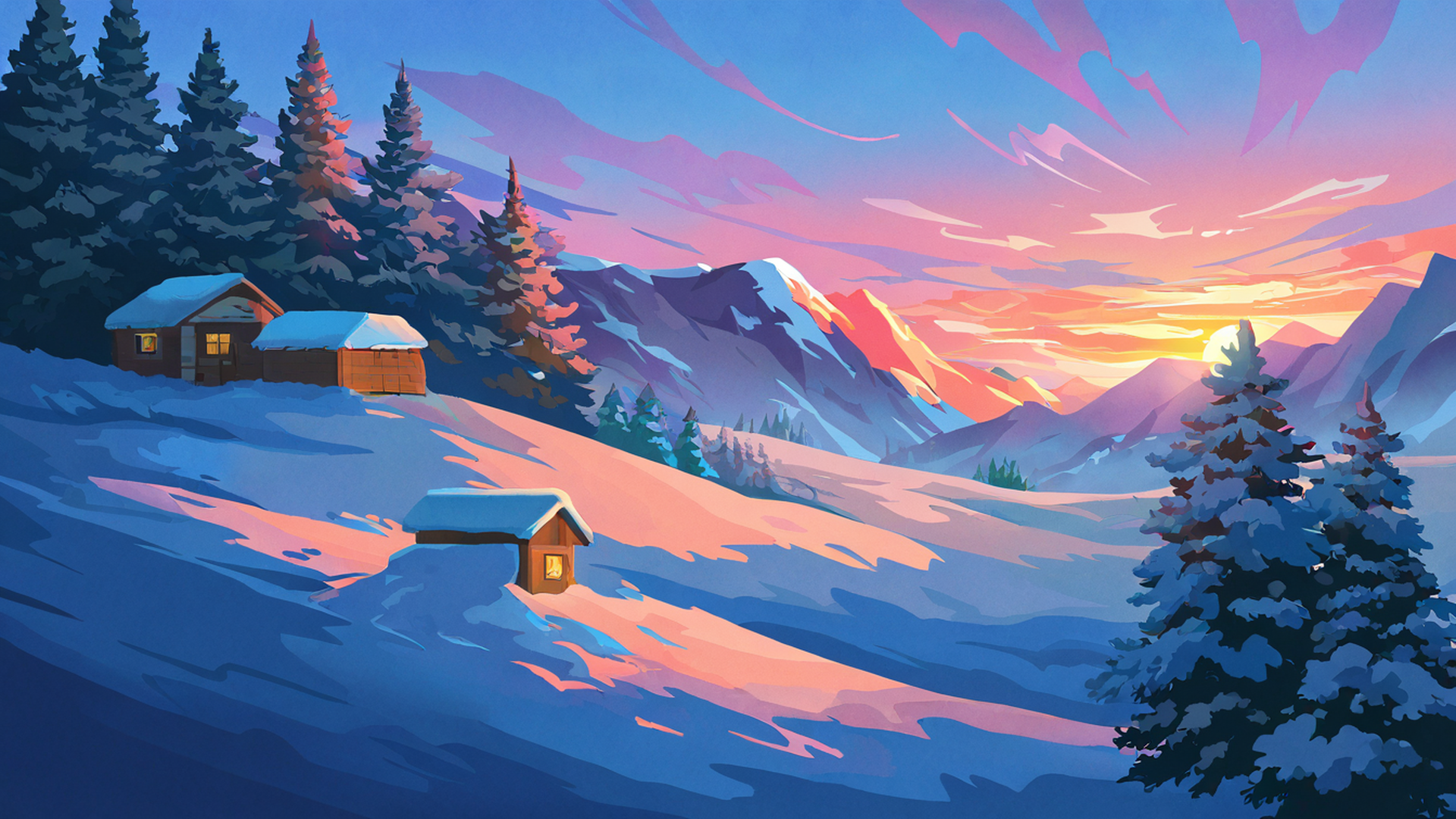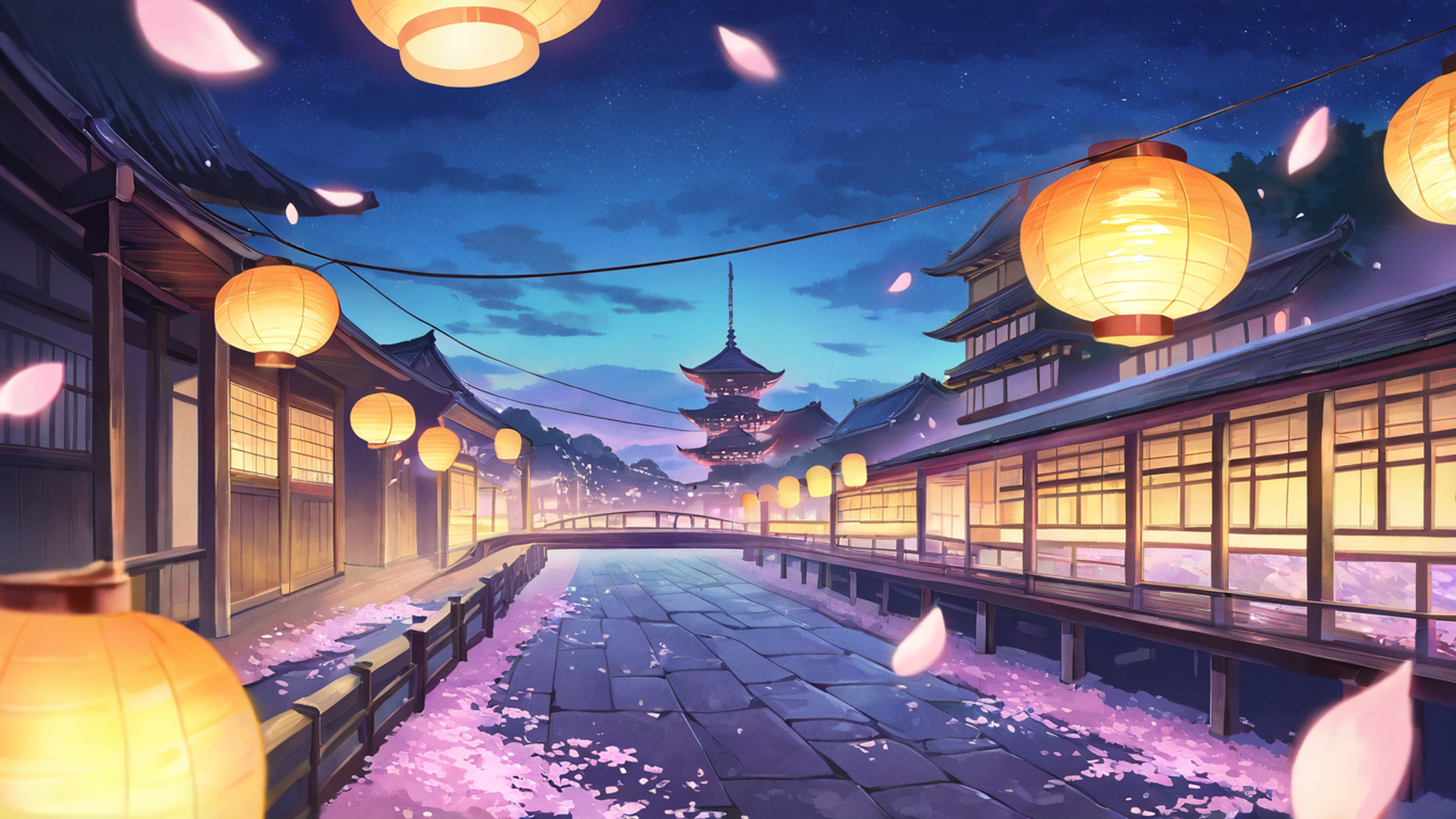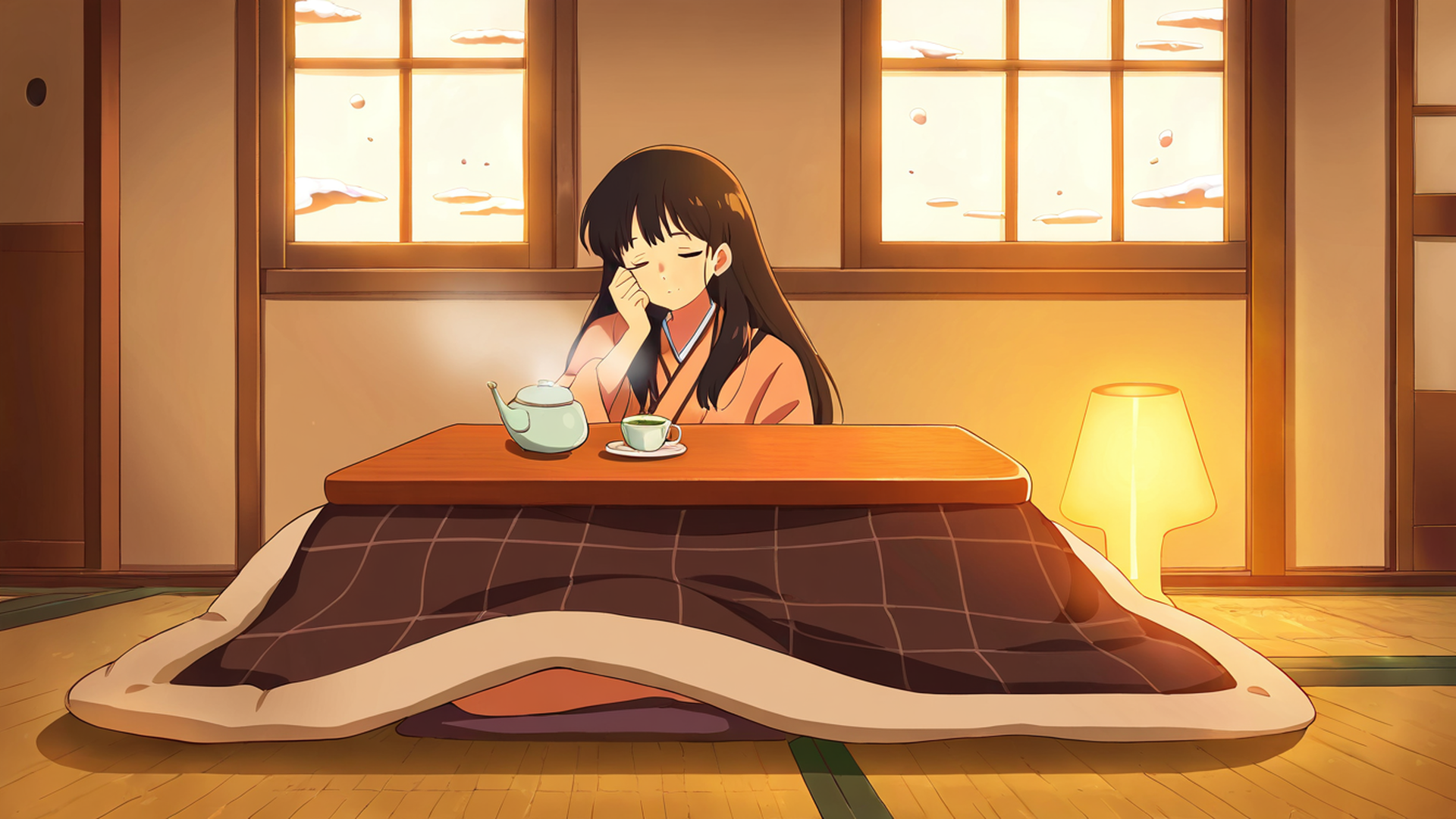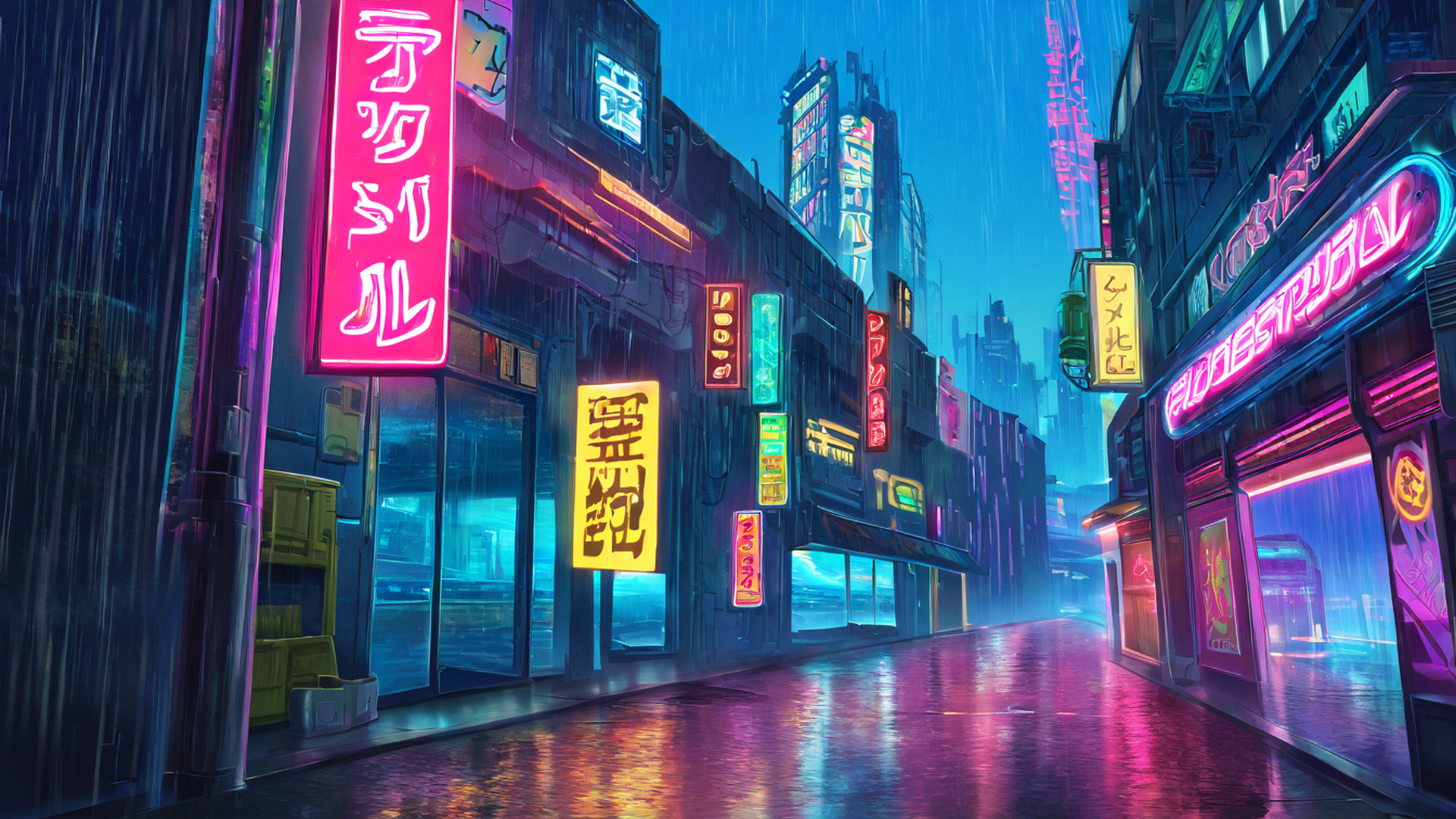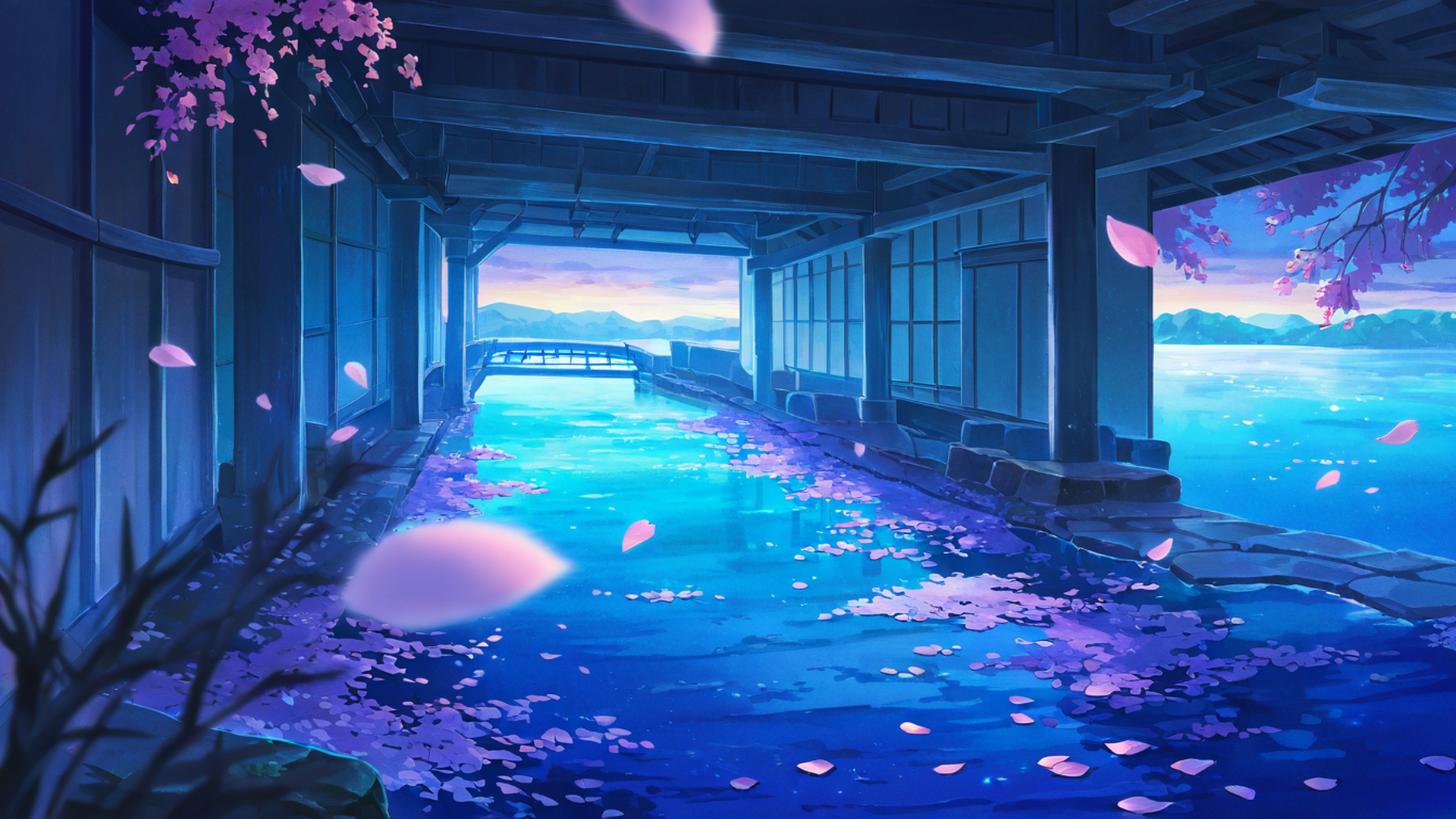
Every wallpaper in our gallery was generated by an AI image model running on a home server. There is no stock photography, no commissioned art and no hand retouching. Since “AI-generated” can mean almost anything, this page lays out exactly how the images are made: the models, the prompts, the settings and the upscaling, plus the places where the process falls short.
The library in numbers
- 4,012 landscape wallpapers, stored at 3840×2160
- 1,410 portrait wallpapers, stored at 1440×2160
- 816 ultrawide wallpapers, stored at 3440×1440
- 967 animated loops (373 landscape, 314 portrait, 280 ultrawide)
- 35 themes, from shrine gates and rice fields to rainy cafés and neon rooftops
Most of the still images were generated in April 2026 and most of the animations in April and May 2026. In October 2026 we added 70 landscape wallpapers made with a newer model, Anima (described below), and 60 animations made from them.
The models: NoobAI-XL, and Anima since October 2026
Most images come from NoobAI-XL 1.0, an anime-style text-to-image model published by Laxhar Lab. It uses the Stable Diffusion XL (SDXL) architecture and is fine-tuned from another SDXL-based model, Illustrious-XL. According to its developers, it was trained on the Danbooru and e621 image datasets. It is released under the Fair AI Public License 1.0-SD.
We chose an anime model because the soft, painted look of lofi visuals is close to what it produces by default. General-purpose models tend to drift toward photorealism unless they are pushed hard in the other direction.
Since October 2026, new landscape wallpapers come from Anima, in its “aesthetic” version 1.1, published by CircleStone Labs together with Comfy Org. It is a newer and smaller anime model, with about 2 billion parameters, built on NVIDIA’s Cosmos-Predict2 text-to-image architecture. A compact Qwen3 language model reads the prompt, and the Qwen-Image VAE turns the result into pixels. We compared it with NoobAI-XL and another SDXL-based anime model on the same prompts and liked its results best. Its license, the CircleStone Labs Non-Commercial License, restricts commercial use of the model itself, but says the images it produces may be used for any purpose.
The hardware and software
Generation runs in ComfyUI, a node-based interface for diffusion models. Two copies of ComfyUI run at the same time, one on each graphics card in the server: an RTX 3080 with 12 GB of memory and an RTX 3070 with 8 GB. A Python script splits the queue between them, giving roughly three quarters of the work to the faster 3080, and downloads each finished image. That was the setup for the April and May batches. The October images and animations were made overnight on the RTX 3080 alone, because the 3070 now encodes the live stream. A watchdog script stops the job if the server starts running out of memory, so generation can never take the stream down.
How a prompt is built
Nobody types each prompt by hand. Each theme is defined as a set of lists:
- anchors: the core of the scene (for rice fields: “terraced rice fields”, “traditional farmhouse”, “mountains in distance”…)
- accents: small details (“scarecrow in field”, “dragonfly”, “small shrine in field”…)
- times of day, weather, color palettes and camera angles
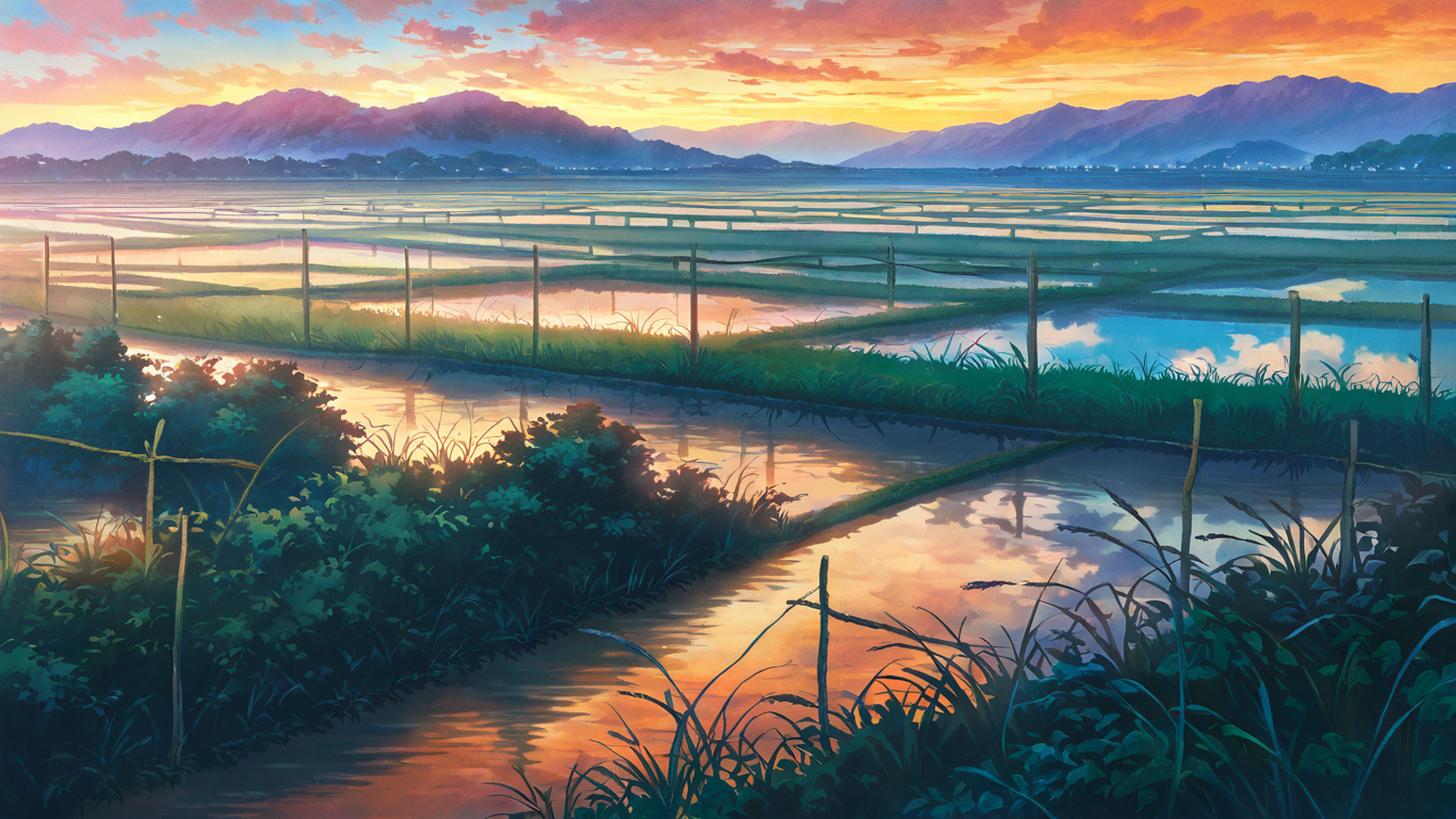
For every image, a script picks three anchors and three accents at random, plus one time, one weather, one palette and one camera angle, and adds a fixed prefix of quality and style tags. (For Anima the prefix is shorter, “masterpiece, best quality, score_7, safe”, following that model’s own tag conventions; the rest of the prompt comes from the same lists.) This is the prompt the generator builds for the image below:
masterpiece, best quality, very aesthetic, absurdres, newest, scenery, no humans, studio ghibli inspired, anime landscape, soft watercolor, cinematic composition, ultra detailed background, beautiful lighting, atmospheric perspective, depth of field, terraced rice fields, rice paddy fields, mountains in distance, straw hat on fence, water reflection sky, small shrine in field, dusk orange sky, clear blue sky with white clouds, teal and orange palette, close up foreground, shallow depth of field
A few things are worth pointing out:
- “studio ghibli inspired” is part of every prompt as a style cue. The images are not made by Studio Ghibli or affiliated with it in any way. The phrase only nudges the model toward a soft, painted countryside look.
- The model ignores some of the prompt. There is no straw hat and no shrine in this image.
- Random combinations can contradict each other. “Dusk orange sky” and “clear blue sky with white clouds” were drawn independently. The model put the orange sky above and the blue sky with clouds only in the water’s reflection.
Each image also gets a seed, a number that fixes the random noise the image starts from. Ours are calculated from the theme name and the image’s position in the batch, so the same theme and position always produce the same prompt and seed. The number at the end of each file name is that seed.
Negative prompts tell the model what to avoid. Landscape themes exclude people entirely (“person, people, character, face…”), as well as text, watermarks, logos and a photorealistic look. Themes with characters, such as a girl studying by a rainy window, use a different negative prompt that blocks anatomy errors and any sexual or revealing content.
Generation settings
| Setting | NoobAI-XL (April 2026) | Anima (October 2026) |
|---|---|---|
| Sampler | DPM++ 2M | ER-SDE |
| Steps | 28 | 30 |
| CFG scale | 6.5 | 4.5 |
| Native size, landscape | 1344×756 (exact 16:9) | 1536×864 (exact 16:9) |
| Native size, portrait | 832×1216 | not used yet |
| Native size, ultrawide | 1536×640 | not used yet |
These sizes keep the total pixel count near one megapixel, which is what SDXL-family models are trained around. Asking for a much larger image straight away tends to produce repeated or warped elements. For Anima we used 1536×864, a little above one megapixel, which gave clean results in our tests.
From native size to 4K
The native images are far too small for a modern screen, so each format goes through its own pipeline:
- Landscape: resized to 1920×1080 with Lanczos resampling, cropped slightly to fill the frame. Later, the whole set was enlarged 4× with RealESRGAN x4plus, an AI upscaling model, to 7680×4320, then scaled back down to 3840×2160 with Lanczos. The upscaler only works in 4× steps, so scaling down afterwards is part of the process, and it also smooths out small upscaling artifacts. The Anima images go through the same two steps: 1536×864 enlarged 4× to 6144×3456, then scaled down to 3840×2160.
- Portrait: resized from 832×1216 to 1440×2160 with Lanczos only, no AI upscaler. They are a little softer than the landscape set when viewed up close.
- Ultrawide: resized from 1536×640 to 3440×1440 with Lanczos, the same way as the portrait set.
When you download a wallpaper, the server resizes it on the spot to the size you choose. It scales the image to cover the target and crops the center. That is why a phone-sized version of a landscape image shows only the middle of the scene. Portrait images are the better choice for phones (see the portrait collection).
The animated loops
The animated wallpapers start from the still images. Each one goes through Wan 2.2, an open image-to-video model. We use its 14B image-to-video version (Wan2.2-I2V-A14B), which splits the work between two expert networks, one for the early noisy steps and one for the final detail. It runs in a compressed (“quantized”) form so it fits in the GPUs’ memory, with an add-on that reduces generation to four steps. A short motion prompt describes what should move, for example “red and orange maple leaves slowly falling”, “orange paper lanterns swaying” or “heavy cyberpunk rain pouring across the entire scene”. The model generates 81 frames at 16 frames per second, a loop of about five seconds. ffmpeg then scales it to its final size (3840×2160 for landscape) and encodes it as H.264, plus a lighter preview version for the gallery. The setup guide explains how to use them on your desktop.
What we don’t do
- No manual retouching. Images are published as the pipeline produces them.
- No hand-picking of every image. The themes and prompt lists were written once, in code. Individual images are not reviewed one by one before they appear.
- No real people or photographs. The prompts name no real people, and no photographs are used as input.
As a result, you will sometimes find typical AI mistakes: odd hands, signs with nonsense lettering, architecture that couldn’t stand up. If a particular image bothers you, the contact details are on the about page.
Can I use them?
Yes, for personal use. You can use the wallpapers on any device, and in non-commercial projects such as a study video, as long as you include a visible credit link. You can’t resell them, redistribute them in bulk or use them to train commercial AI models. The full terms are on our Terms page, and the wallpaper FAQ answers the common questions. Their animated versions, slowed down and joined with soft dissolves, make up the picture of our 24/7 stream, described in how the stream works.
Sources
- NoobAI-XL 1.0 model card (Laxhar Lab, Hugging Face): base model, training data, license, recommended settings.
- Anima model card and license (CircleStone Labs, Hugging Face): architecture, text encoder, VAE, license terms for outputs.
- ComfyUI on GitHub.
- Real-ESRGAN on GitHub.
- Wan 2.2 on GitHub.