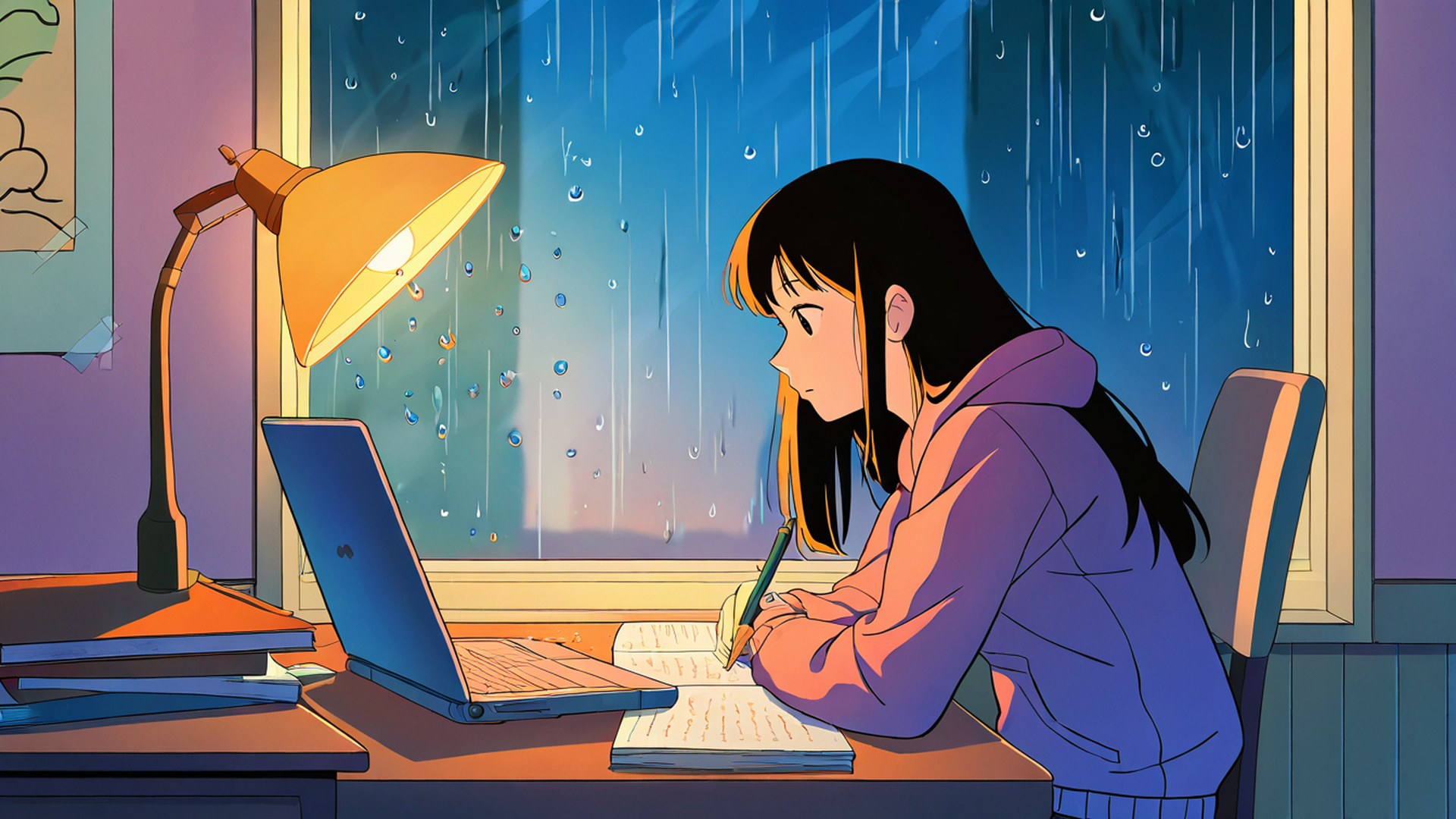
You see your wallpaper far more often than you think: every time you minimize a window, pick up your phone or glance away from a document. For a work background the goal is not the most impressive image. It is an image that looks good and stays out of the way.
This guide covers what makes the difference, with the research where there is some and plain design sense where there isn’t.
Clutter is the main problem
The single biggest factor is how busy the image is. Vision researchers have spent years trying to measure “visual clutter”, and in a 2007 study Ruth Rosenholtz and colleagues at MIT tested several ways of computing it directly from an image: how crowded it is with competing colors, orientations and contrasts, how much visual information it contains, and how many edges it has. All of these measures tracked how hard it was for people to find a target in complex scenes. In other words, the more cluttered the picture, the slower the search.
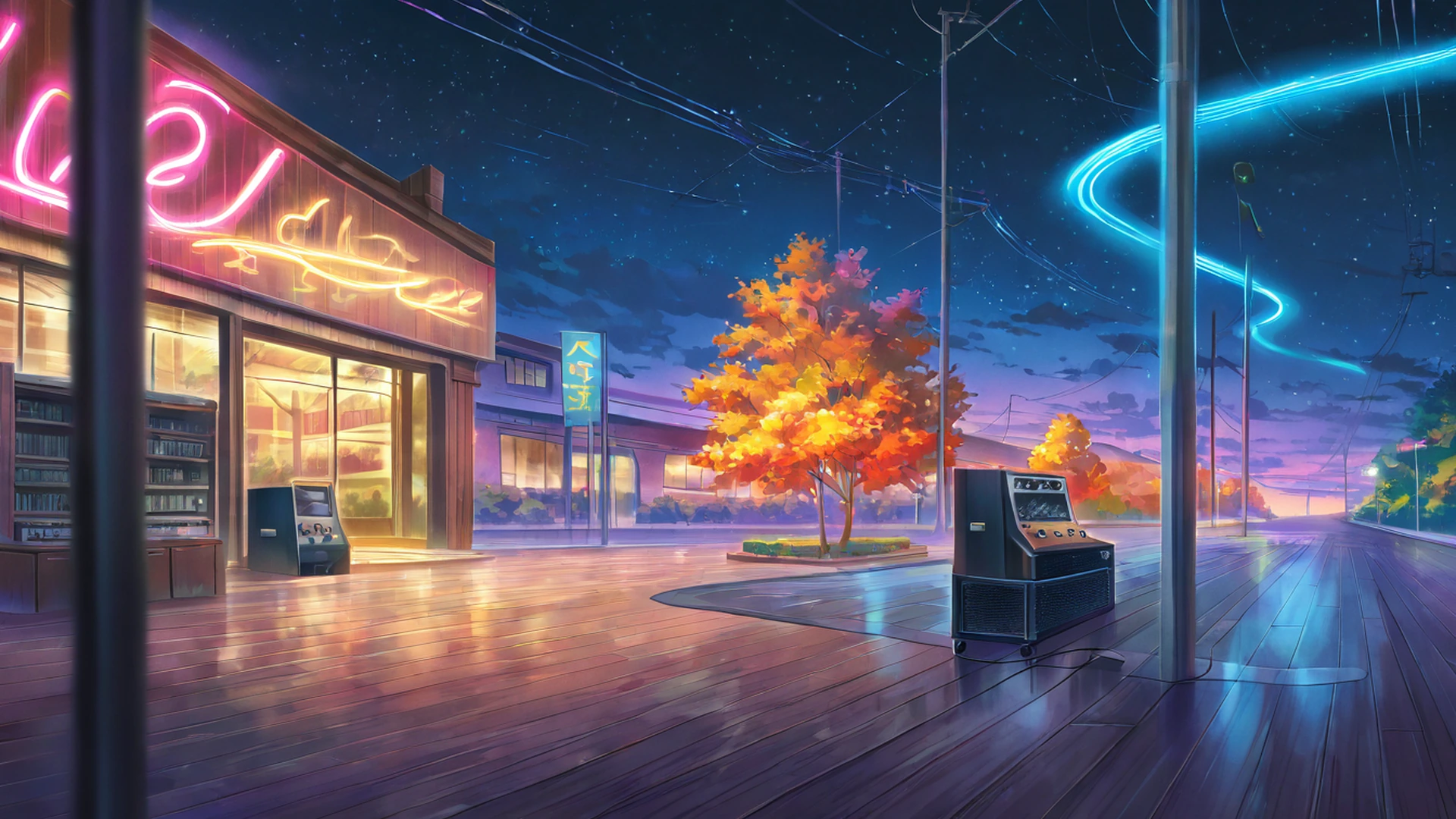
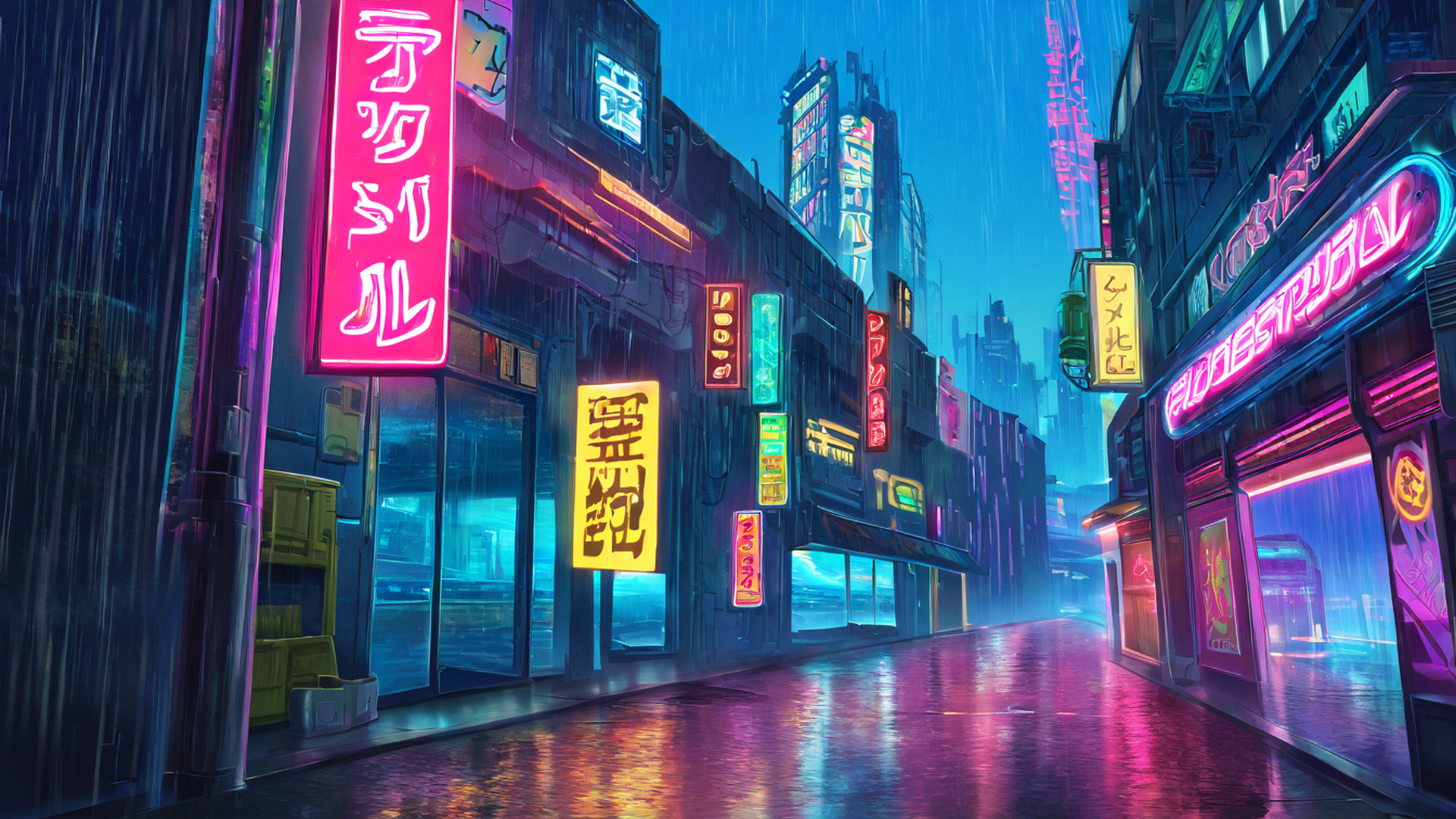
On a desktop, the “search” is you looking for an icon, a file or a widget. Every glowing sign, leaf, rain streak and tiny highlight behind your icons is something your eyes have to sort through. A neon street at night can be a beautiful image and still be a poor background for a screen full of files.
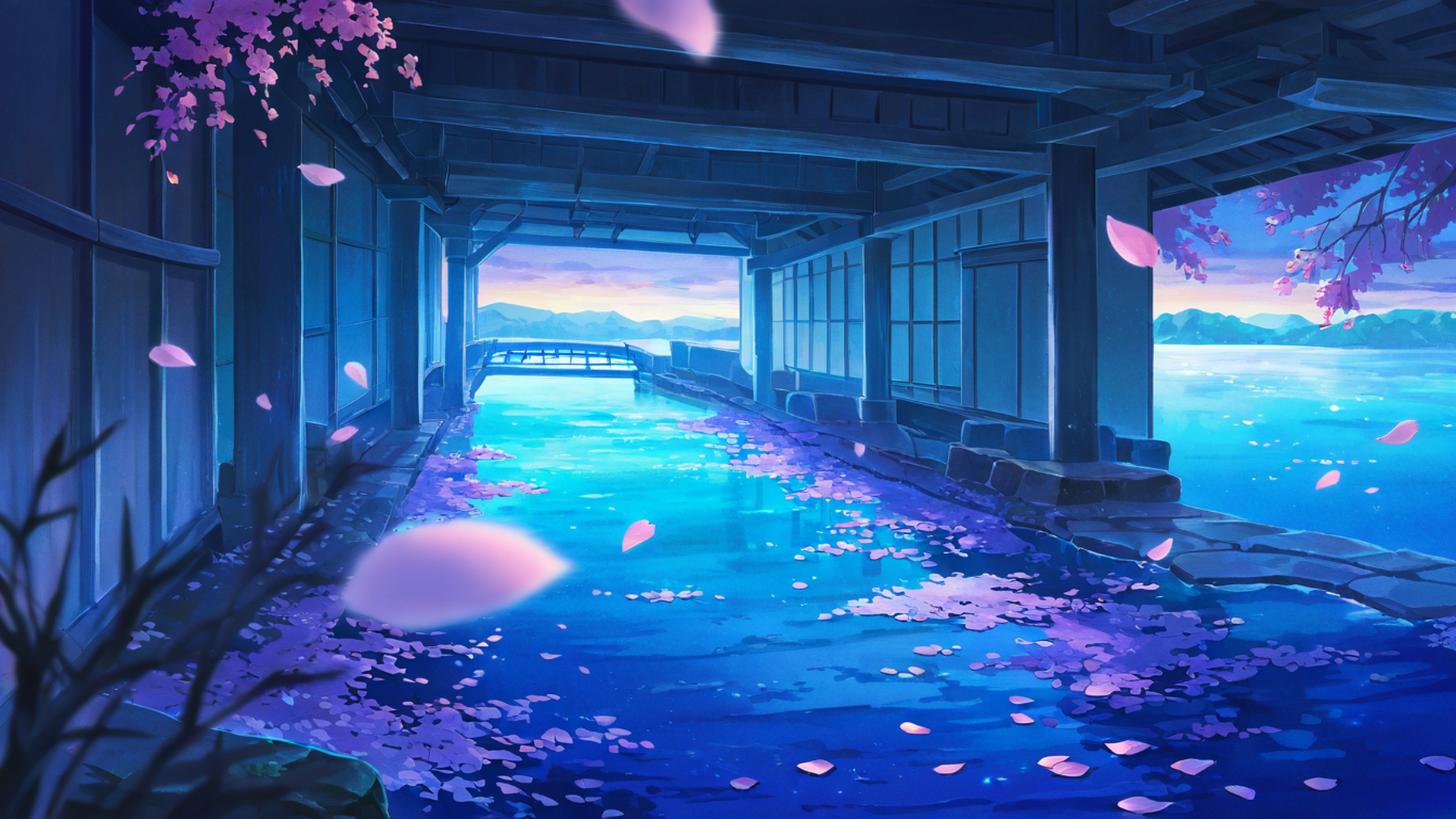
Japanese design has a word for the alternative: ma, meaningful empty space. In Hasegawa Tōhaku’s famous Pine Trees screens, much of the paper is left bare and the emptiness is what makes the trees feel distant and misty. A wallpaper with a big sky, a stretch of water or a snowfield works the same way: the empty area is not wasted, it is what lets the rest breathe. There is more on the idea in the guide to wabi-sabi, mono no aware and ma.

Put the quiet part where your things are
Look at your own screen and note where your icons, widgets, clock and dock actually sit. That is where the wallpaper needs to be calm. The interesting part of the image can live anywhere else.
A few things help:
- Off-center subjects. An image with the main subject on one side leaves the other side free for icons.
- Large even areas. Sky, water, snow, a plain wall or deep shadow make a good backdrop for labels.
- Phones are a special case. On the lock screen, the clock and any widgets cover the upper part of the image, and on the home screen app icons cover most of it. A busy image there mostly turns into noise between icons, so the lock screen is the better place for a detailed picture.
Contrast and readability
Icon labels, widgets and the menu bar sit on top of your wallpaper. Web accessibility guidelines (WCAG) ask for a contrast ratio of at least 4.5:1 for normal text and 3:1 for icons and other graphical elements. A desktop is not a website, but those numbers are a useful yardstick for how much separation text needs from what is behind it.
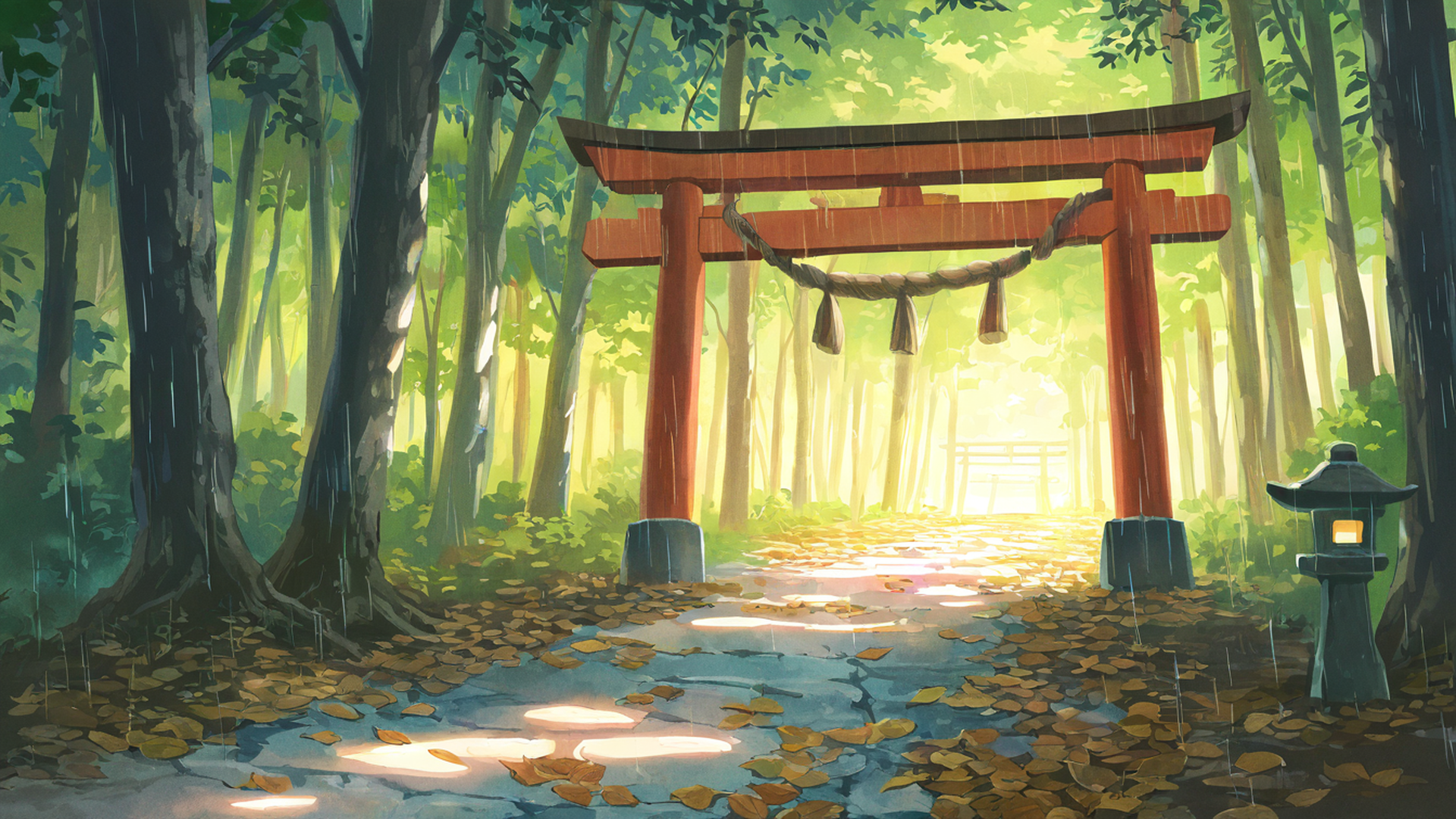
Operating systems add shadows to icon labels to help, but no shadow can rescue a label sitting on a background that flips between bright and dark every few pixels. Fine, high-contrast texture is the worst case: rain streaks, foliage, starfields, lettering on signs.
A quick test: step back from the screen, or squint until the image blurs. If you can still find your icons immediately, the background is fine. If they melt into it, pick something calmer or move the icons.
Color: what the research actually shows
Plenty of articles promise that blue calms you down, red sharpens focus or green boosts creativity. The evidence is much thinner than that.
In a 2014 review for the Annual Review of Psychology, Andrew Elliot and Markus Maier concluded that color can affect how people feel, think and behave, but that the field was still at a “nascent stage” and that a lot more work was needed before strong recommendations could be made. A well-known example shows why. In 2009 a study published in Science reported that red backgrounds improved performance on detail-oriented tasks and blue backgrounds on creative ones. When Kenneth Steele ran a direct replication of one of its experiments, with the same materials and more than three times as many participants, the color effect did not appear.
So choose colors you like looking at, and do not expect a color to change your productivity. The one reliable point is perceptual rather than psychological: small, saturated, bright spots of color are among the first things the eye is drawn to, which is the opposite of what a background should do. Muted or darker palettes are easier to ignore.
Nature scenes: some evidence, with caveats
There is a long-running idea, Attention Restoration Theory, set out by Stephen Kaplan in 1995, that natural environments help restore the kind of focused attention that gets worn down by demanding work.
Some studies support a version of this even with pictures. In a 2015 experiment at the University of Melbourne, 150 people did a deliberately boring attention task, then took a 40-second break looking at a city rooftop scene. For half of them the roof was covered with a flowering meadow; for the other half it was bare concrete. Afterwards, the green-roof group made fewer errors and responded more steadily.
The wider picture is less tidy. A 2016 systematic review of 31 studies found some support for the theory on a few measures of attention, but no marked benefit on most others, and noted small samples and inconsistent methods. A reasonable reading: a nature scene is a perfectly good choice, and a short, deliberate look at one during a break may help a little. A picture sitting behind your windows all day is not a performance hack.
Be careful with motion
Animated wallpapers can be lovely, and this site makes animated versions of many of its scenes. They come with one catch. In a 2003 study, Richard Abrams and Shawn Christ showed that motion itself does not automatically grab attention, but the start of motion does, even when it carries no useful information.
For a wallpaper, that suggests:
- Smooth, continuous movement (drifting clouds, falling snow) is easier to ignore than anything that suddenly changes.
- A loop that visibly jumps when it restarts creates a fresh “onset” every few seconds. The loops here are about five seconds long, so if you notice the restart, your eye will keep getting pulled to it.
- Animated backgrounds work best on a second monitor, on a lock screen, or during breaks. On laptops and phones they also use more battery than a still image.
The animated wallpaper guide explains how to set them up on different systems.
A five-minute checklist
- Is the area behind your icons and widgets calm?
- Are there only a few small bright details, and none right behind your labels?
- Can you read every label without effort? Try the squint test.
- Is the palette one you like, and not fully saturated everywhere?
- Is it still while you work? Save animation for breaks or a second screen.
- Is it the right size for your screen, so it is not stretched or blurred?
On the last point, every image here can be downloaded in several sizes. The ultrawide collection covers 21:9 and 32:9 monitors and the portrait collection covers phones and tablets.
Calm and busy themes on this site
Some of the calmest themes here, by the standards above, are seaside lighthouse (big skies and water), snowy mountain village, rice fields in summer and stargazing hilltop, whose dark skies keep white labels readable, although the dense starfields are best kept away from your icons.
The busiest are the neon city scenes such as cyberpunk neon rain and the lantern-filled night market. They are some of the most striking images on the site and make great lock screens or full-screen backgrounds for a break. Behind a desktop full of files they are hard work.
If you like the idea of changing backgrounds through the year, the Japanese seasons in design has a set of seasonal pairings that mostly stick to calmer scenes.
Sources
- Rosenholtz, R., Li, Y., & Nakano, L. (2007). Measuring visual clutter. Journal of Vision, 7(2), 17.
- W3C. Understanding Success Criterion 1.4.3: Contrast (Minimum) and 1.4.11: Non-text Contrast. Web Content Accessibility Guidelines 2.2.
- Elliot, A. J., & Maier, M. A. (2014). Color psychology: Effects of perceiving color on psychological functioning in humans. Annual Review of Psychology, 65, 95–120.
- Mehta, R., & Zhu, R. (2009). Blue or red? Exploring the effect of color on cognitive task performances. Science, 323(5918), 1226–1229.
- Steele, K. M. (2014). Failure to replicate the Mehta and Zhu (2009) color-priming effect on anagram solution times. Psychonomic Bulletin & Review, 21(3), 771–776.
- Kaplan, S. (1995). The restorative benefits of nature: Toward an integrative framework. Journal of Environmental Psychology, 15(3), 169–182.
- Lee, K. E., Williams, K. J. H., Sargent, L. D., Williams, N. S. G., & Johnson, K. A. (2015). 40-second green roof views sustain attention: The role of micro-breaks in attention restoration. Journal of Environmental Psychology, 42, 182–189.
- Ohly, H., White, M. P., Wheeler, B. W., Bethel, A., Ukoumunne, O. C., Nikolaou, V., & Garside, R. (2016). Attention Restoration Theory: A systematic review of the attention restoration potential of exposure to natural environments. Journal of Toxicology and Environmental Health, Part B, 19(7), 305–343.
- Abrams, R. A., & Christ, S. E. (2003). Motion onset captures attention. Psychological Science, 14(5), 427–432.